
Strong authentication is the foundation of secure access. Breeze Multi-Factor Authentication adds layers of protection beyond passwords, ensuring only authorized users gain entry. Whether you choose mobile push notifications, one-time codes, or hardware tokens, Breeze makes it simple to implement and manage MFA across your organization. Flexible configuration options let you tailor security policies to different user groups, while centralized management streamlines deployment and compliance.
The result? Enhanced protection, reduced risk, and a seamless user experience.
Secure your Breeze data with flexible authentication options
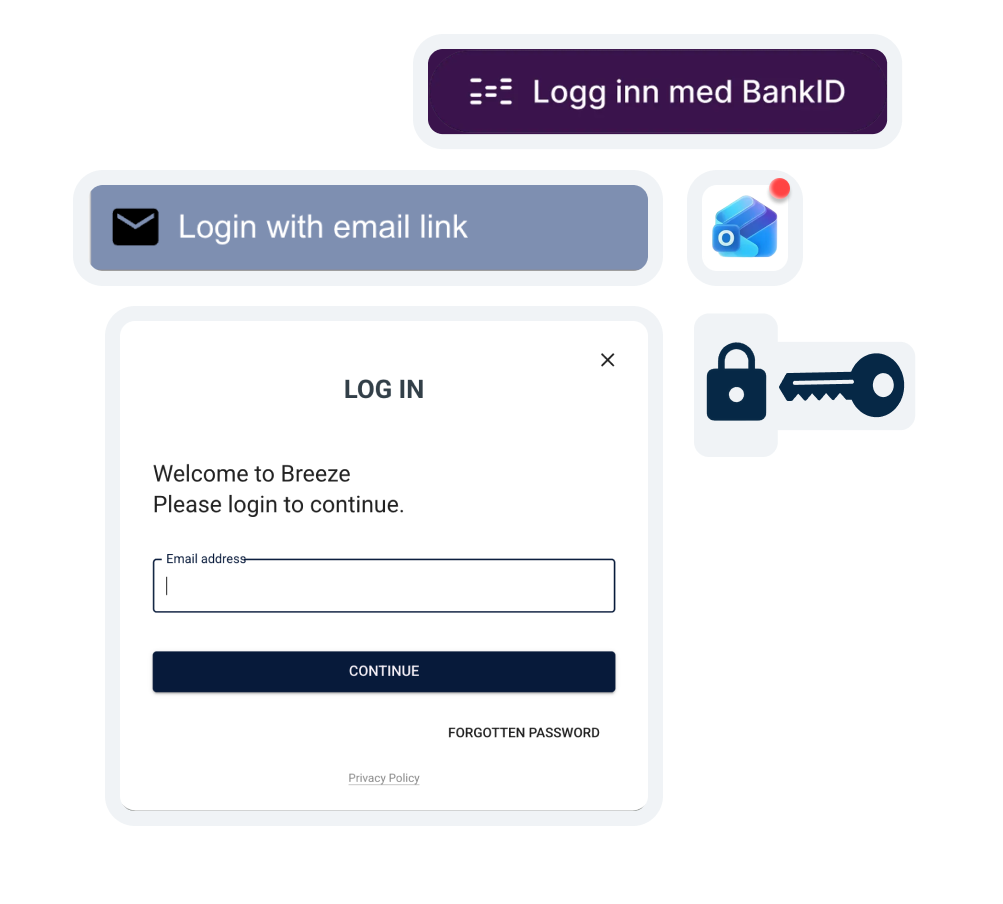
Authentication Methods in Breeze
1. Standard Username and Password
Login using username and password require a password that must contain at least one letter, one number, and one special character. The password must be a minimum of 8 characters long.
2. Two-Factor Authentication (2FA) with One-Time Code (OTP)
Administrators can enable 2FA for the entire portal or for individual users. For roles such as Superadmin and higher, 2FA is mandatory and cannot be disabled. This method combines your password with an additional factor, making unauthorized access extremely difficult. This adds an extra layer of security at no additional cost.
3. BankID (Norwegian and Swedish)
Introduced in Breeze November 2023, BankID login provides a user-friendly and highly secure solution, especially for organizations with strict identity verification requirements. BankID allows you to order and manage cards with maximum security. Please note that this option incurs additional costs.
4. Single Sign-On (SSO)
For businesses seeking seamless login, Breeze supports SSO integration with Azure Entra ID (Active Directory). This simplifies access control and reduces the need for multiple passwords while maintaining strong security.
Breeze offers advanced roll features in combination with SSO, such as:
User Onboarding: Streamlines the process of adding new users.
Role Management: Simplifies the assignment and management of user roles.
Custom SSO Route: Custom direct route for users to log in using SSO.
With Breeze, we currently support SSO integration with Azure Active Directory (Azure AD) out of the box. Additionally, we can add support for other identity providers (IdPs) upon request, as long as they use SAML, OAuth2, or OpenID Connect (OIDC) standards.
A strong password is easy for you to remember but hard for others to guess—use a mix of letters, numbers, and symbols. Please remember to always activate Two-Factor Authentication (2FA) in your user account if your administrator has not already done so. Read more
Need more details?
This overview is designed to give you clarity at a glance. For a complete breakdown of each role, task permissions, and assignment rules, visit Breeze Docs.
