Breeze | Mobile
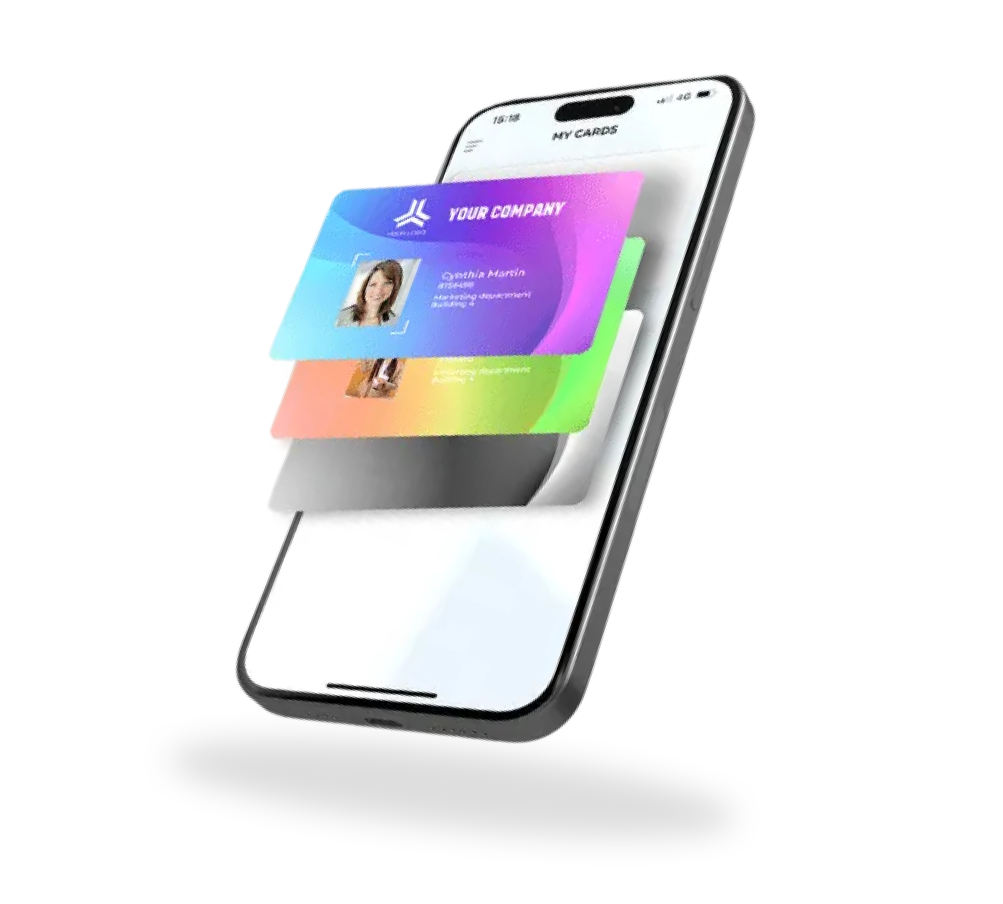
Breeze ID Portal facilitates the issuance of both physical and digital access cards, seamlessly integrating them into the user's smartphone for enhanced access control. Through the portal, mobile access cards compatible with STid access readers are issued with the same ease and efficiency as traditional physical cards.
Administrators have the option to select the type of digital card desired—opting for models with or without an ID photo—and to input the necessary user information. Upon completion, an instructional email is dispatched to the user, detailing the steps for downloading their digital access card.
The portal also provides the capability to revoke digital access cards with ease, allowing for the reallocation of credits without incurring unexpected expenses. Importantly, there are no annual subscription fees for the use of virtual cards when utilizing STid Mobile ID, ensuring a cost-effective solution for your organization's access control needs.
Should your mobile ID requirements necessitate solutions from providers other than STid, we invite you to contact us directly. Our team is prepared to discuss your specific business case and explore tailored solutions that meet your security requirements.
The STid Mobile ID® application
The STid Mobile ID® application virtualizes your conventional access cards and stores them on your Android™ or iOS® smartphone. Virtual cards and conventional access cards can coexist.
The STid Mobile ID® app is available in the Apple Store and Google Play Store free of charge. A free virtual card is available for immediate use upon successful installation.
Download the app for Android™ and iOS®



A range of readers
STid offers a complete range of access control readers that are compatible with STid Mobile ID®.
Our access control readers are based upon open contactless identification standards and are designed to support instinctive user interaction.
Configuration of the readers via smartphone
The free STid Settings® mobile application enables you to easily set-up the readers:
Remote reader configuration management
Selecting and configuring identification modes

Why would you host access cards on your smartphone?